Care records, daily tasks and inspections for assisted living, made simple.
One calm place for your residents, your staff and your state paperwork. Built for small homes, easy on any tablet or phone.
What it does
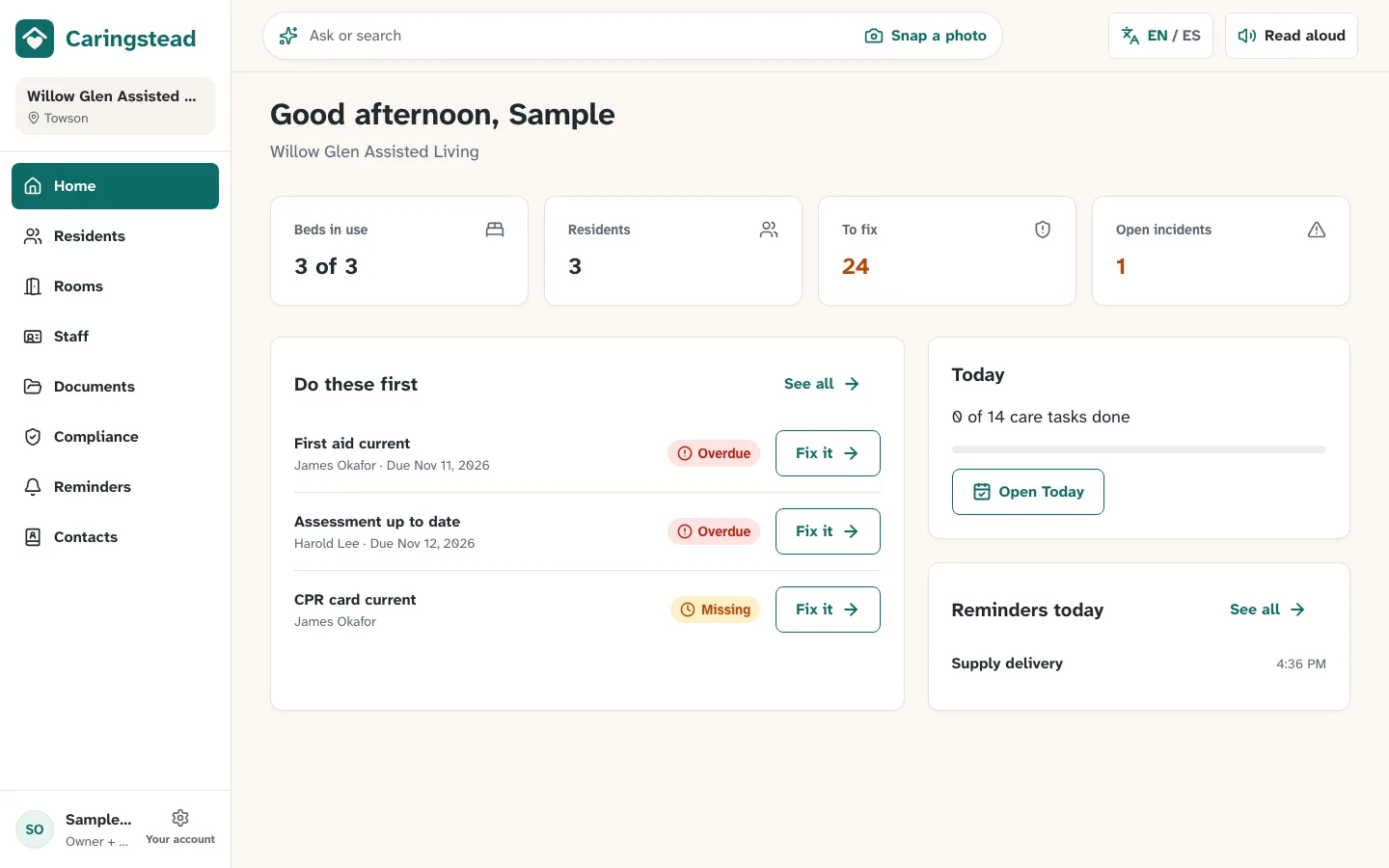
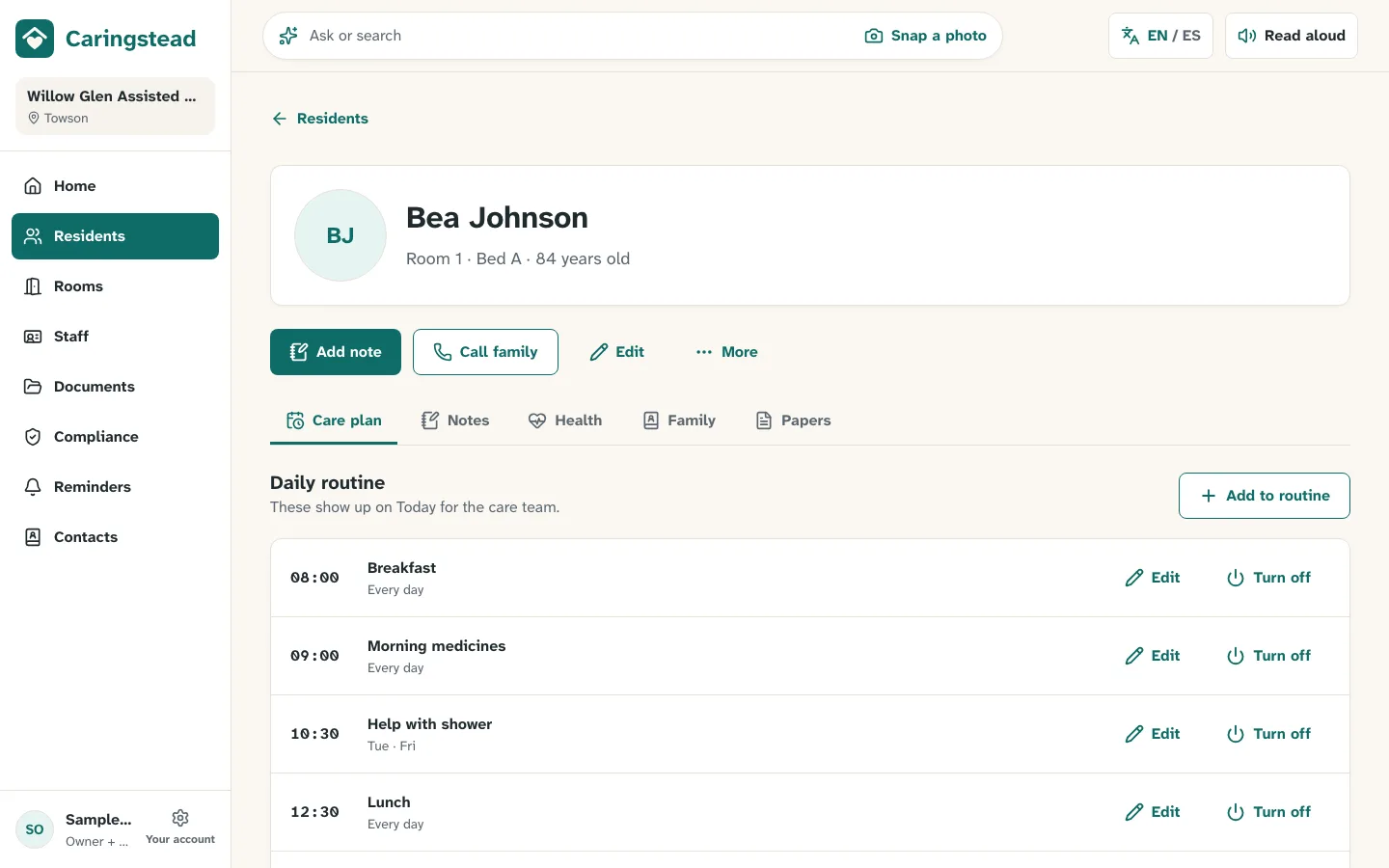
Residents and care plans
Profiles, photos, family contacts and a daily care plan for each person.
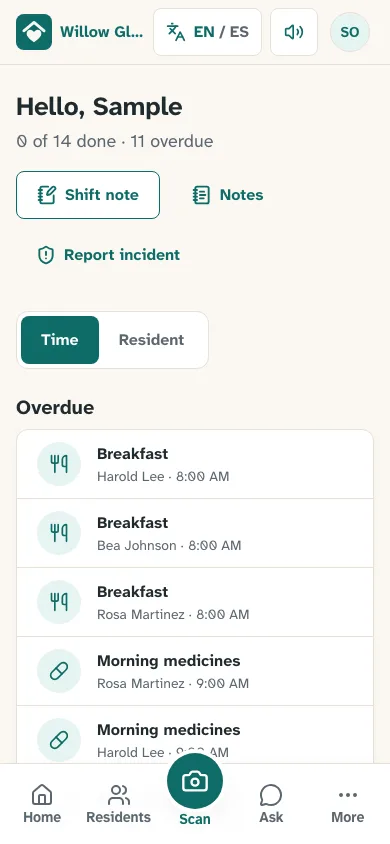
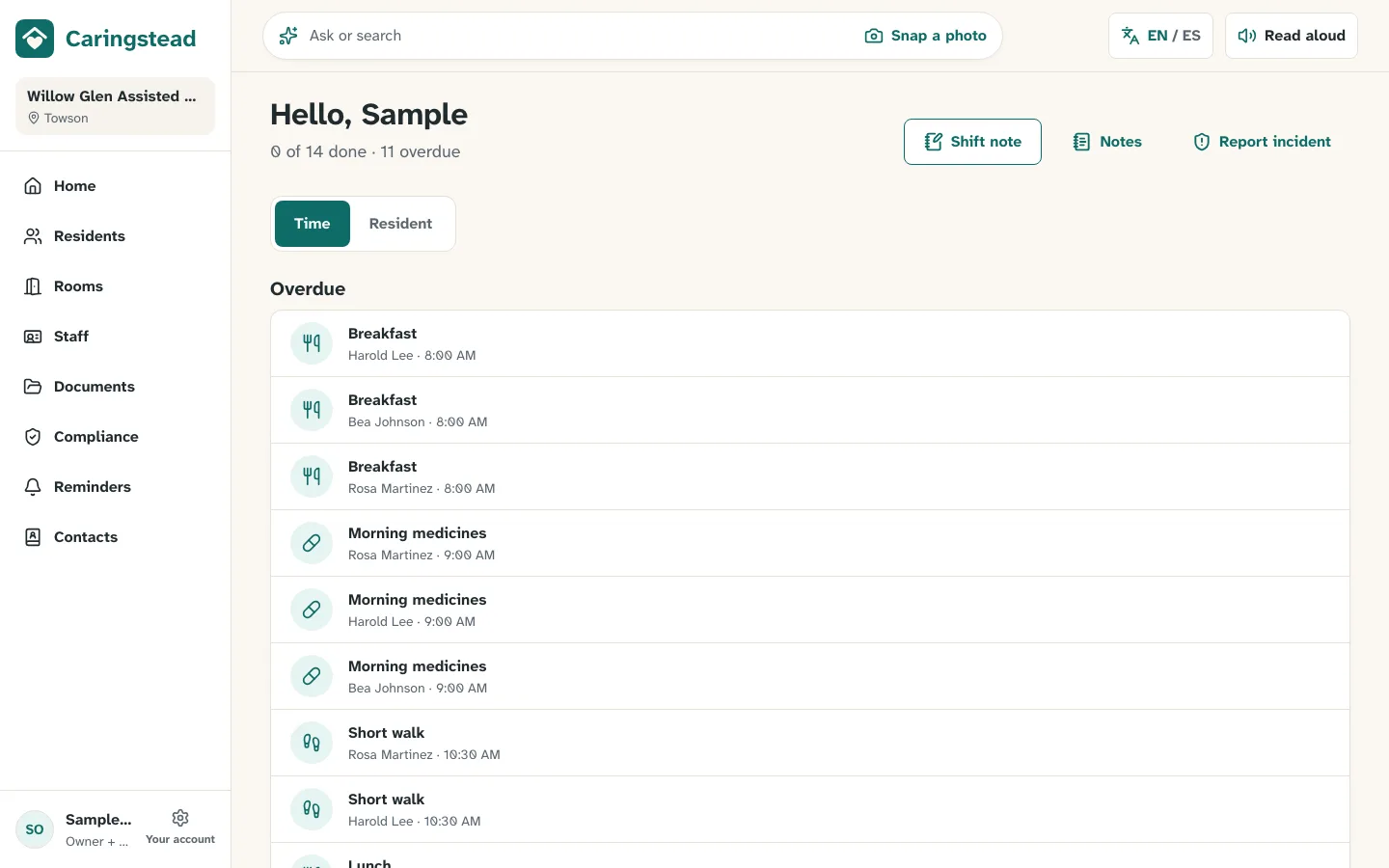
Today for caregivers
Each shift sees what to do now. Tap Done, Refused or Not needed. It works offline too.
Staff, training and shifts
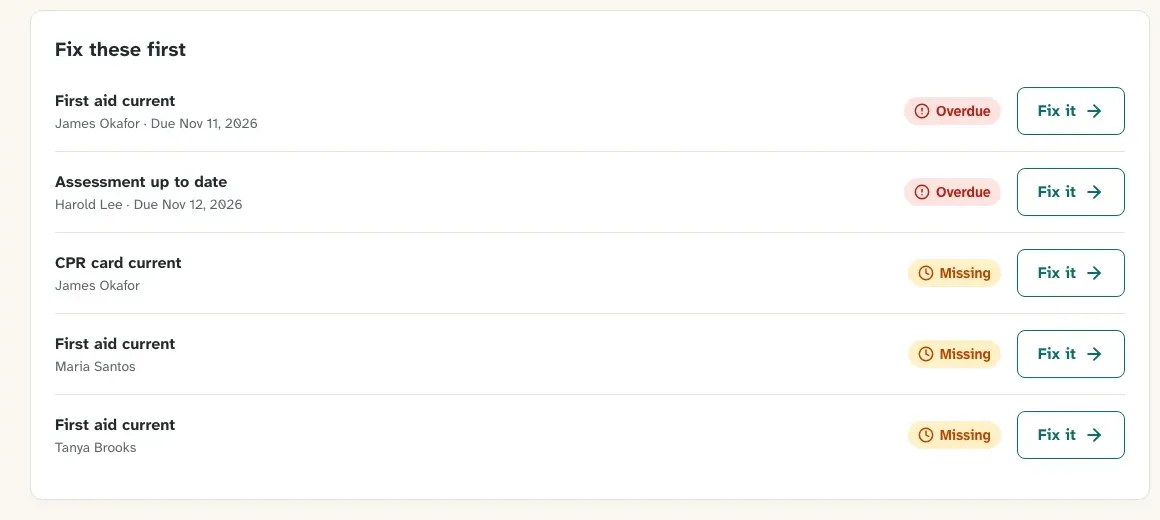
CPR, first aid and TB records with expiry alerts, plus a simple weekly schedule.
Scan any paper
Take a photo of a card or form. AI reads it, you check it, then it's filed.
Maryland compliance
A checklist built around COMAR 10.07.14, a fire drill log and a printable inspection binder.
Reminders and incidents
Repeat reminders, incident reports with review, and shift notes for handoff.
Shared tablets
Staff tap their name and enter a PIN. The tablet locks itself after two minutes.
Your language
English and Spanish screens, and read-aloud voices in Nigerian English and Yoruba.
Calm on every screen
How it works
Set up in minutes
Add your facility, rooms and beds, and shift times. The app walks you through it.
Bring in your binders
Snap photos of resident and staff papers. Caringstead reads them for you to check.
Run every shift
Caregivers use Today on a shared tablet. You see what needs fixing from Home.
Built for small homes
Made with a 5-bed Maryland home and sized for facilities with about 5 to 16 beds. No IT team needed: it runs in the browser on the tablets, phones and laptops you already have.
Security and privacy
Your data stays yours
Each facility's records are locked to that facility at the database level.
HIPAA-ready vendors
Every service that stores or reads resident information works under a signed Business Associate Agreement.
Every change recorded
An audit log shows who changed what, and when.
Safe sign-in
Owners and administrators use two-step sign-in. Shared tablets use personal PINs.
AI never saves anything on its own: a person always checks and confirms.
Pricing
Pricing is coming soon. Ask us and we'll set you up.
Ask about pricingQuestions
Do I need to install anything?
No. Caringstead runs in the web browser. You can add it to a tablet or phone home screen like an app.
Does it work without internet?
Pages you opened keep showing, and tasks marked done while offline save when you're back online.
Is it only for Maryland?
The compliance checklist is built for Maryland (COMAR 10.07.14) first. Everything else works in any state.
Can my staff use it in Spanish?
Yes. Each person can switch between English and Spanish with one tap.
How do I move my paper records in?
Use Bring in your binders: photograph a stack of papers, then check each one in a short queue.